Glance on Motorola: The Intelligent Shopping Agent Pre-Installed Through Verizon
TL;DR
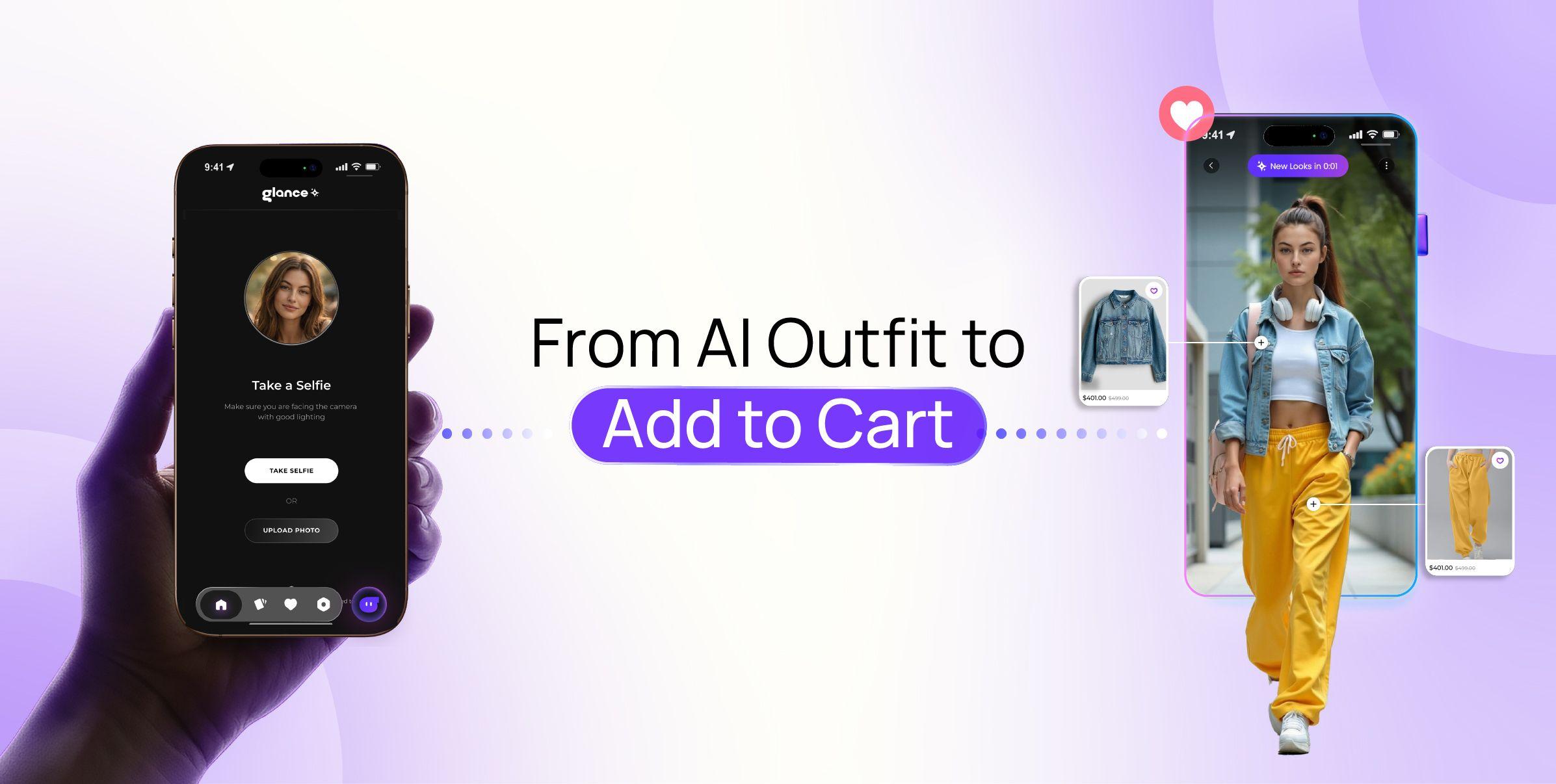
Glance is often described as an AI shopping app — it's more accurate to call it an intelligent shopping agent. On select Motorola devices through Verizon, what's pre-installed is Glance's lock screen experience — a personal, shoppable feed that shows up the moment you glance at your phone, with nothing to find or download from a store. If you want the full app experience (browsing the full catalog, chatting with it directly), that's a separate, optional download from the Play Store. It's not the same as Moto AI, and it's fully opt-in either way: you can use it, ignore it, or turn it off.
If you picked up a new Motorola phone through Verizon and noticed a shopping feed on your lock screen — one you never went to the app store and downloaded yourself — here's the simple explanation: that's Glance, your intelligent shopping agent, already there and already at work before you've thought to search for anything.
Why Glance is Already on Your Phone (The Verizon Pre-Install, Explained)
Most shopping tools work the other way around: you search for an app, download it from a store, create an account, then start using it. On Motorola through Verizon, Glance skips that first step. Through a partnership between Glance, Motorola, and Verizon, Glance's lock screen experience ships pre-installed on select devices — already there from the moment you turn the phone on, surfacing a personal, shoppable feed the instant you glance at it, without unlocking anything. There's no icon to find and nothing to set up first.
If you want to go further than the lock screen — browsing the full catalog, chatting with it directly to refine looks, saving items — the complete Glance app is a separate, optional download from the Play Store. Nothing about the pre-installed lock screen experience requires you to get it; it's simply there if you want more.
That's the whole idea behind Glance as an intelligent shopping agent: it's supposed to be there before you start looking, not something you add later. Instead of opening a shopping app and typing in what you want, Glance surfaces styled, shoppable looks built around your context — the weather, what's trending near you, your physical features from a selfie you choose to add — before you've typed a single word. Most brands promise a personalized experience. Glance goes a level deeper: it's personal, because no two feeds — even on identical phones in the same city — look the same.
The pre-install works through a partnership between Glance, Motorola, and Verizon — the same way some devices arrive with apps from Google or other partners already active. It's there from day one because the partnership was built that way, not because it was added without your knowledge. That also means it behaves a little differently from the Samsung Galaxy version of Glance, which you actively add from the Galaxy Store. On Motorola through Verizon, it's already sitting there — which is exactly why so many people search for what it actually is.
Glance vs. Moto AI: What's the Difference?
If you've spent any time in your Motorola settings, you've probably run into Moto AI — Motorola's own AI assistant, built with partners including Google, Meta, and Perplexity. It handles things like summarizing notifications, catching you up on missed texts, and answering general questions through Copilot. It's a genuinely useful system-level assistant.
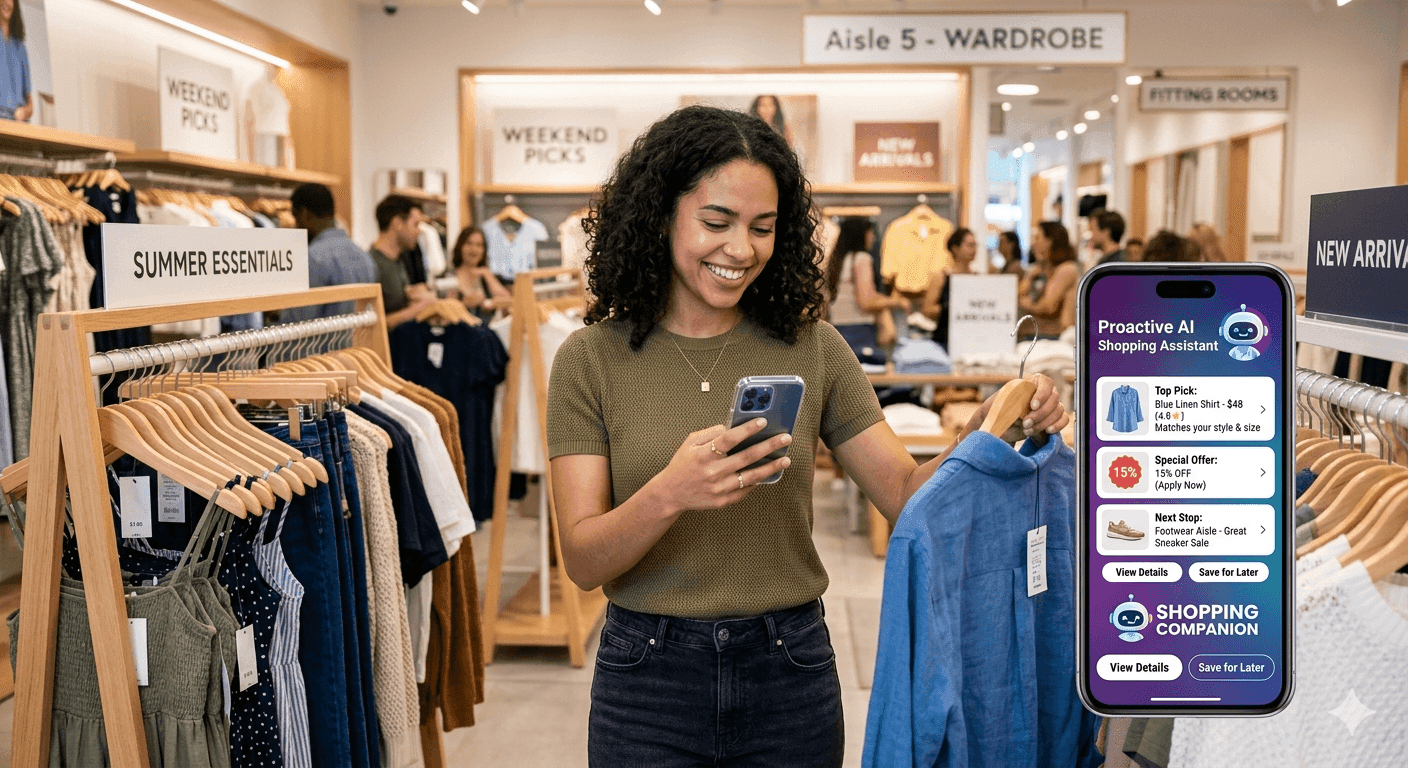
Glance is not that. Moto AI is a general-purpose assistant. Glance is an intelligent shopping agent leading the shift toward agentic shopping — its entire job is fashion and shopping discovery, not managing your phone. Think of it this way: Moto AI helps you deal with your phone. Glance helps you get dressed and shop, without you having to search for anything, using five specialized agents that read real-time signals like weather, location, regional trends, upcoming occasions, and your physical features to build outfit looks you can buy in a tap. The two can live on the same phone doing completely different jobs, and neither replaces the other.
Which Motorola Devices include Glance?
Glance has been pre-installed on select Motorola devices through Verizon since 2024, including models in the Moto G and Edge lines. Availability varies by device, software version, and carrier update, so the safest way to check is to look at your lock screen directly — if you see a personal feed of outfit recommendations built around you, Glance is active on your device. If you don't see it and want to check eligibility for your specific model, the full device list is on Glance's device support page.
Is it Opt-In? How to Turn Glance On or Off on Motorola
Yes — using Glance is entirely your choice, even though the lock screen experience arrives pre-installed. It's free, doesn't require you to create an account or make a purchase to browse, and you can switch it off at any time if it's not for you.
- To use Glance on your lock screen: open your lock screen settings and select Glance as your lock screen provider. It builds your feed immediately — even without a selfie, though adding one sharpens the styling to your features.
- To go beyond the lock screen: download the full Glance app from the Play Store to browse the catalog directly, chat with it, and save looks. This is entirely optional and separate from the pre-installed lock screen experience.
- To turn the lock screen feed off: go back into lock screen settings and switch to your default lock screen or another provider.
What Glance Actually Does, in Short
Once it's on, Glance isn't showing you a generic list of products. It reads context most shopping tools ignore — your skin tone and face shape from a selfie, the weather where you are, what's trending in your city, and upcoming occasions — and turns that into complete, styled outfit looks visualized on you, not a generic model. From the lock screen, you can browse that feed and tap straight through to buy. Open the full app, and you can also chat with it to refine a look — "more casual," "in navy," "for a wedding in March" — until it's right. It's drawn from a catalog of 40 million-plus products across 400-plus brands, and every recommendation is meant to feel personal rather than just personalized.
The five specialized agents that power this are covered in full in the architecture guide — weather, location, trends, occasions, and physical features, synthesised into one look.
The images you provide are used to generate personalised outfit looks. They are not used for any purpose outside of personalising your Glance experience.
The same intelligent shopping agent is available on Samsung Galaxy devices via the Galaxy Store, and as a standalone app on iOS and Android.
FAQs
Does my Motorola phone come with an AI shopping assistant?
Glance is an intelligent shopping agent, not a traditional AI shopping app. On select Motorola devices through Verizon, its lock screen experience comes pre-installed — a personal, shoppable feed with nothing to find or download from a store. The full Glance app, for browsing the catalog and chatting directly, is a separate, optional download if you want it.
Is Glance on Motorola the same as Moto AI?
No. Moto AI is Motorola's system assistant, built with partners like Google and Meta, for things like notifications and general questions. Glance is a separate product — an intelligent shopping agent — that focuses specifically on fashion discovery, and on Motorola it shows up pre-installed as a lock screen feed of styled outfit looks built around your context and shown on you.
How do I turn Glance on or off on my Motorola phone?
The lock screen experience is opt-in: select Glance as your lock screen provider in settings to use it, or switch to a different provider to turn it off. If you want more than the lock screen feed, the full Glance app is a separate, optional download from the Play Store. Either way, it's free, with no account or purchase required to browse.