

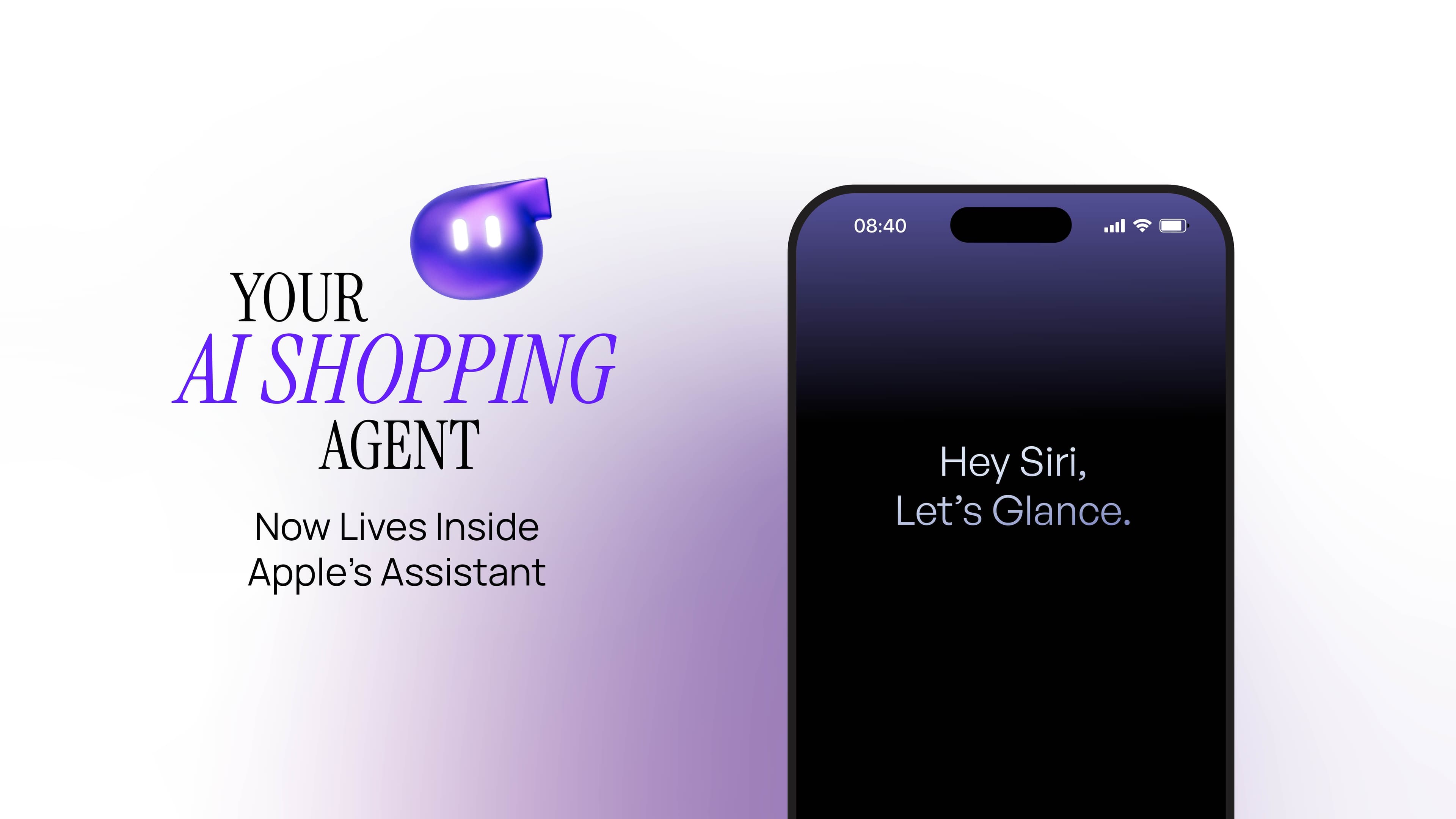
Hey Siri, Let’s Glance.
TL;DR
Glance is now built to work natively with Siri — so the friend who gets your style is just a voice command away.
Inspiration Is Everywhere — So Why Is It So Hard to Make It Work for You?
You see a look and something in you sits up. A jacket on a stranger’s back on TikTok. A friend’s outfit that stopped you mid-scroll. A Pinterest board you built at 1am and never opened again.
I want that.
And right behind it, always: but would it work for me? My skin, my body, my space, my budget, my life?
That gap between wanting it and knowing if it would actually suit you is where shopping turns into a cognitive task. Too many tabs. Too many opinions. Too many almost-right options that all start to look the same after the tenth one.
You don’t need more things to look at. You need someone who already gets you. That’s the part people keep telling us, unprompted, in their own words:
“Feels like having a personal shopper helping me.” “Shows me things I wouldn’t have found myself.”
That’s Glance. And starting today, she’s somewhere new.
How Does Glance Work With Siri?
You already know Glance — the one who’s been quietly learning your taste, your skin tone, your weather, your weird 11pm cravings for a wardrobe reset. What changes today isn’t who she is. It’s how you reach Glance.
Glance still lives on your phone — you’ll need it installed, same as always. What’s new is that you don’t have to go find it. Glance’s built to work natively with Siri, so once Siri’s there, you don’t have to open Glance and tap through. You don’t even have to remember where you left off. Just say the magic words – Hey Siri, Let’s Glance! And Glance answers from wherever Siri already is.
What happens when you say “Hey Siri, Let’s Glance”
Say the words, and you’re talking to Glance — no tapping, no opening anything first.
“Hey Siri, let’s Glance — find me shoes for this outfit.”
From that moment, everything you already love about Glance is doing the work: the styling eye, the catalog, the way she reads a room (or a weather forecast, or a wedding invite) before she recommends a single thing. Siri just became the door you walk through to get there.
And Glance doesn’t forget where you left off. Ask again tomorrow, or from a different room in your day, and Glance picks up the thread — same taste, same context, same app.
Glance on Siri Doesn’t Just Show You Products — It Explains Them
Here’s what’s genuinely new: Apple Intelligence now adds a layer of reasoning on top of everything Glance already knows about you. That includes your taste, your past choices, and your context in this exact moment.
So instead of a list of things that might fit, you get an answer that explains itself. It's pulled from a catalog of numerous products across 400+ brands. Not just what — why this, why now, why for you. It’s the difference between being shown options and being understood.
Does Glance Work Without Internet?
This is the one we’re most excited about. Built on Apple’s Core AI framework, Glance can now generate your virtual try-on entirely on your iPhone — no internet connection required.
Think a dressing room with no wifi. The subway, mid-tunnel. A cabin halfway up a mountain with zero bars. None of that gets in the way anymore.
Free. Unlimited. And private by design: nothing about how you look in that jacket has to leave your device. This part of the experience is still early — we’re calling it exactly what it is, a first version we’ll keep sharpening — but the idea already works: even with zero bars, Glance’s still got your back.
What Does Glance Look Like on iPhone and iPad?
We built this on Apple’s Liquid Glass design language on purpose — so nothing about it feels bolted on. It should feel like it was always there, because in a way, it should have been.
And it moves with you: the same fluid experience adapts whether you’re on iPhone or iPad.
Which Devices Support Glance on Siri?
Glance on Siri is rolling out now on iOS 26 onwards with the Glance integration and Core AI on iOS 27
It’s not a new app to learn. It’s not a chatbot to figure out, and all you need to do is to ask Siri. Glance’s your personal shopper — and now, it’s just a voice command away.
Say it. Glance it.
Frequently Asked Questions
What is “Glance on Siri”?
It’s Glance, the personal shopper who already knows your taste, now built to work directly with Siri. Instead of opening an app, you just say the words — and everything Glance does, from styling to try-on to finding the exact thing you saw and loved, starts right there.
What’s the wake phrase to use Glance on Siri?
Just say, “Hey Siri, let’s Glance.” That’s it — no app to open, no menu to dig through. From there, ask for whatever you’re looking for, and Glance takes it from there.
What’s the use of Glance?
Glance helps you shop the way a friend with great taste would — someone who knows your style, your size, your budget, and doesn’t make you dig through a hundred options to find the one that’s actually right for you. It turns inspiration into something you can wear, not just admire.
Why Glance on Siri?
Because the best help is the help you don’t have to go looking for. You already talk to Siri every day. Now, the same voice can bring you Glance’s styling, your try-on, and your next favorite find — no extra app, no extra step.
Is Glance on Siri free to use?
Yes. Glance is completely free — no subscription, no paywall, nothing to unlock. That doesn’t change just because she now works with Siri too.
Do I need the Glance app installed first?
Yes — Glance still needs to be installed on your iPhone. Once it is, Siri can call on it directly, so you don’t have to open the app every time. Just say the wake phrase, and Glance takes it from there.
Which iPhones does Glance on Siri work on?
Any device on iOS 26 onwards will work
Can I use Glance on my iPad?
Yes, you can use Glance on your iPad (with iOS 27) and also resize the app while you are using it.
Does Glance work without internet?
Yes. Built on Apple’s Core AI framework, Glance can generate your virtual try-on entirely on your device — even with no internet connection. It’s an early version of this feature, and we’re actively making it better. This will be available on iOS 27 and on all new iPhone 17 device onwards
Where does my data go, and how do I delete my digital self?
Once the user deletes the account from Glance, then all the generated images will be deleted along with their profile
Apple, iPhone, iPad, and Siri are trademarks of Apple Inc., registered in the U.S. and other countries and regions. Apple Intelligence is a trademark of Apple Inc. Liquid Glass and Core AI are Apple’s design language and technology framework, referenced here to describe how Glance integrates with them. Glance is not made by Apple.
Download the Glance app now






Your intelligent
shopping agent.







Your intelligent
shopping agent.