

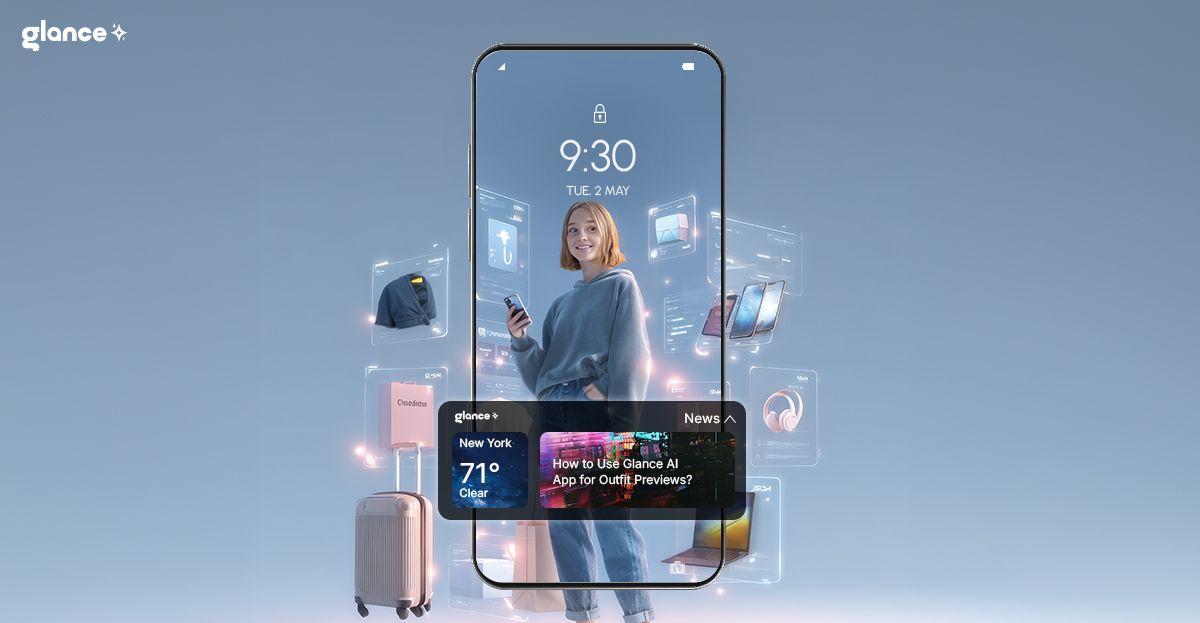
How to Use Glance App for Outfit Previews?
TL;DR
Glance shows you complete outfit looks visualised on your actual body — not on a model — drawn from 40 million+ products. Upload a selfie once. Your selfie-powered feed updates daily, adapts to your occasions and weather, and lets you shop directly from any look. Free, no subscription. Available on Samsung Galaxy, Motorola, iOS and Android.
There is a specific kind of shopping frustration that has nothing to do with choice overload. You found the thing. You like it. You just cannot tell whether it will actually work on you — your skin tone, your proportions, your actual body. That gap between liking something on a model and knowing it works on you is where most returns come from.
According to McKinsey, 70% of online fashion returns are caused by poor fit or style — and returns cost US retailers $849.9 billion in 2025 alone (NRF + Happy Returns, 2025). The root cause is simpler than it looks: you could not see how it would look on you before you bought it. Glance closes that gap before purchase — not after.
How Glance Builds Outfit Previews On Your Body
When you upload your selfie, Glance reads your face shape, skin tone, hair colour, and body proportions directly — not from preferences you type in, but from the image itself. That physical profile is what makes the previews accurate: the looks are generated for your colouring and silhouette, not averaged across millions of users.
Alongside your physical features, Glance reads your location's weather, what's trending in your city right now, and upcoming occasions from your context. The outfit preview for a Saturday brunch in Austin in July looks different to a Tuesday morning in Chicago in October — same person, different world.
For the deeper architecture — how five specialised AI agents work simultaneously to produce each look — see What Is Agentic Shopping?. This article covers what you actually do with the previews.
How to Use Glance for Outfit Previews — Step by Step
The process is simple — and the results are specific to you, not generic. Here’s how it works:
Step 1 — Upload Your Selfie
Download Glance from the App Store, Google Play. Open the app and upload a selfie — this takes about 30 seconds. You do not need to describe your body type, fill in a style quiz, or upload your wardrobe. The selfie does the work.
What you see next: a personalised feed of complete outfit looks — top, bottom, shoes, accessories — shown on a version of you, not a generic model. Your skin tone, your face, your proportions in the look.
Step 2 — Explore Your Feed
Swipe through your feed. Each look is a complete outfit, not a single product. The feed refreshes daily — new looks based on today's weather, current trends in your city, and any upcoming occasions Glance has picked up from your context.
How to signal what works: linger on looks you like. Swipe past quickly on ones you don't. Glance reads these signals passively — you do not need to rate or review. The more you use it, the more accurate the feed becomes.
Step 3 — Mix, Match and Customise
Tap into any look to customise it. Want that jacket with different trousers? Swap them. Want to see how the top looks with boots instead of sneakers? Try it. The preview updates instantly — you see the new combination on your body before you commit to anything.
This is where Glance becomes a genuine outfit planner, not just a feed. You can build looks from scratch by combining pieces across the catalogue — 40 million+ products from 400+ brands — and see the full look on yourself before adding anything to a cart.
Step 4 — Save Looks You Want to Return To
Save any look to your library. Build folders by occasion — work looks, weekend looks, travel, events. Your saved looks persist between sessions. If you are packing for a trip next week, come back to looks you saved yesterday and they will still be there.
Pro use: build a pre-packed wardrobe for a trip by saving 5-7 complete looks that share pieces. You will know before you pack whether everything works together.
Step 5 — Shop Directly From the Preview
Tap any item in a saved look. Glance takes you directly to the retailer's page for that product — the exact item, in your size, on the brand's own site. No searching, no re-finding it. The preview is the last step before purchase, not the first.
Glance turns trial-and-error dressing into something you actually look forward to.
Where Your Outfit Feed Appears
Your outfit feed is not limited to the app. On Samsung Galaxy S22 and later, looks appear on your lock screen before you open anything — the same personalised feed, surfaced before you start your day. On DirecTV, Glance surfaces shoppable looks on your TV home screen. One feed across your phone, lock screen, and TV.
Using Outfit Previews for Specific Events
Fashion is not one-size-fits-all and the events you attend demand very different looks. Here is how to use Glance previews practically for each:
- Concerts: Whether it’s an indie gig or a stadium tour, previews let you test concert outfit ideas that balance comfort and edge. You’ll know if that leather jacket clashes with ripped jeans before even trying it on.
Practical tip: search 'concert' or 'night out' in the Glance chat. The Occasions Agent has already factored in your evening context — you will see looks weighted toward statement pieces and practical footwear.
- Brunch Outfits: Brunch is a social runway — casual but put-together. Instead of stressing about being underdressed, outfit previews help you strike the perfect balance of chic and relaxed.
Practical tip: check your Glance feed that morning. It reads what is trending in your city right now — not global trend reports that may not apply where you are
- Travel & Vacations: No one wants to overpack or carry “just-in-case” outfits. With previews, you can build a travel capsule wardrobe that’s stylish, compact, and season-appropriate.
Practical Tip: Glance reads the weather at your destination in real time. Packing for Miami in July? It already knows it will be 89°F and humid. Going to New York in October? It adjusts silhouettes and layering accordingly. Build your packing list from those looks.
Use the save-and-folder system: create a 'Miami trip' folder, save 6 complete looks, check which pieces overlap. Pack 10 items that create 6 outfits rather than 6 separate complete sets.
- Workwear: Business casual, hybrid office looks, or client meetings — Glance shows you polished options so you’re never guessing if your outfit feels “professional enough.”
Practical tip: save a 'work looks' folder and refresh it seasonally. When your wardrobe shifts from summer to autumn, run your saved work looks through the seasonal filter — you will see which pieces carry over and what needs updating.
Three Daily Uses Most People Discover Late
The 8am Fix
Too tired to decide at 8am. Open Glance. Your pre-matched feed is already there — top three looks for today, based on today's weather and your week's calendar. Tap the one that feels right. Done in under a minute.
You do not need to search, scroll, or make decisions. The decision has already been made for you — you are just confirming.
The Seasonal Wardrobe Update
At the start of each season, open your saved looks from the previous one. Look at what still appears in your new feed. If Glance is not surfacing a piece you saved six months ago, that is a signal — it may not fit the current trend direction or season. Keep what appears, question what doesn't.
Then use the mix-and-match layer to preview new season pieces against what you are keeping. You will know before you buy whether the new piece integrates with your existing wardrobe.
The Return Eliminator
Before buying anything online: find it in the Glance catalogue, add it to a look, see how it sits with your skin tone and proportions. If it works in the preview, it will work in real life. If something feels off — colour, silhouette, proportion — trust that.
Tips to Get the Most Out of the Glance App
- Fine-Tune Your Profile: Don’t skip your style preferences and colour choices when setting up. The more Glance knows about your taste, the sharper your previews get.
- Save Event-Specific Looks: Heading to a concert, brunch, or work event? Save the outfits you like into folders. Next time you’re in a rush, your library is already there.
- Experiment Beyond Your Comfort Zone: Always wear neutrals? Try a pop of colour in the preview first. It’s the safest way to see if bold styles actually work for you — before you invest in them.
- Seasonal Switch: At the start of each season, refresh your previews. You’ll quickly see which pieces from your wardrobe carry over, which ones don’t, and what’s worth buying new.
- Shop Smarter: Instead of impulse shopping, preview pieces on yourself first. You’ll cut down on returns and wasted spend.
Conclusion
Fashion isn’t just about clothes. It’s about how you feel when you wear them.
The Glance app makes sure you’re never second-guessing your choices — whether you’re heading to a concert, brunching with friends, or packing for your next trip. By previewing outfits on yourself, you save time, money, and unnecessary stress. And you get there wearing something that actually feels like you.
FAQs About Glance App
Q1:What does the Glance app do?
Glance is an intelligent shopping agent that generates complete outfit looks visualised on your actual body — not a generic model. Upload a selfie and it reads your face shape, skin tone, hair colour, and body proportions to surface looks from 40 million+ products across 400+ brands. Free, no subscription, available on Samsung Galaxy, Motorola, iOS and Android.
Q2: How does the outfit preview know what I look like?
When you upload your selfie, Glance reads your face shape, skin tone, hair colour, and body proportions — not from a form you fill in, but directly from the image. Those physical attributes are what make the preview accurate: the looks are generated for your colouring and silhouette, not averaged across millions of users.
3. Is Glance a safe app to have?
Glance is generally considered safe for use, as it complies with global privacy standards and anonymizes user data. It does not access personally identifiable information and only collects non-intrusive behavioral signals to improve recommendations. It is always advisable to review app permissions before installing.
4. Is the Glance app free?
Yes. Free to download and use across Android and iOS. No subscription fees required to access outfit previews or any other core features.
Q5: Can I shop directly from an outfit preview?
Yes. Tap any item in a look and Glance takes you directly to the retailer’s page for that product. You check out on the retailer’s own site — not through Glance. Your payment data stays with the original brand.
Download the Glance app now



Your intelligent
shopping agent.







Your intelligent
shopping agent.